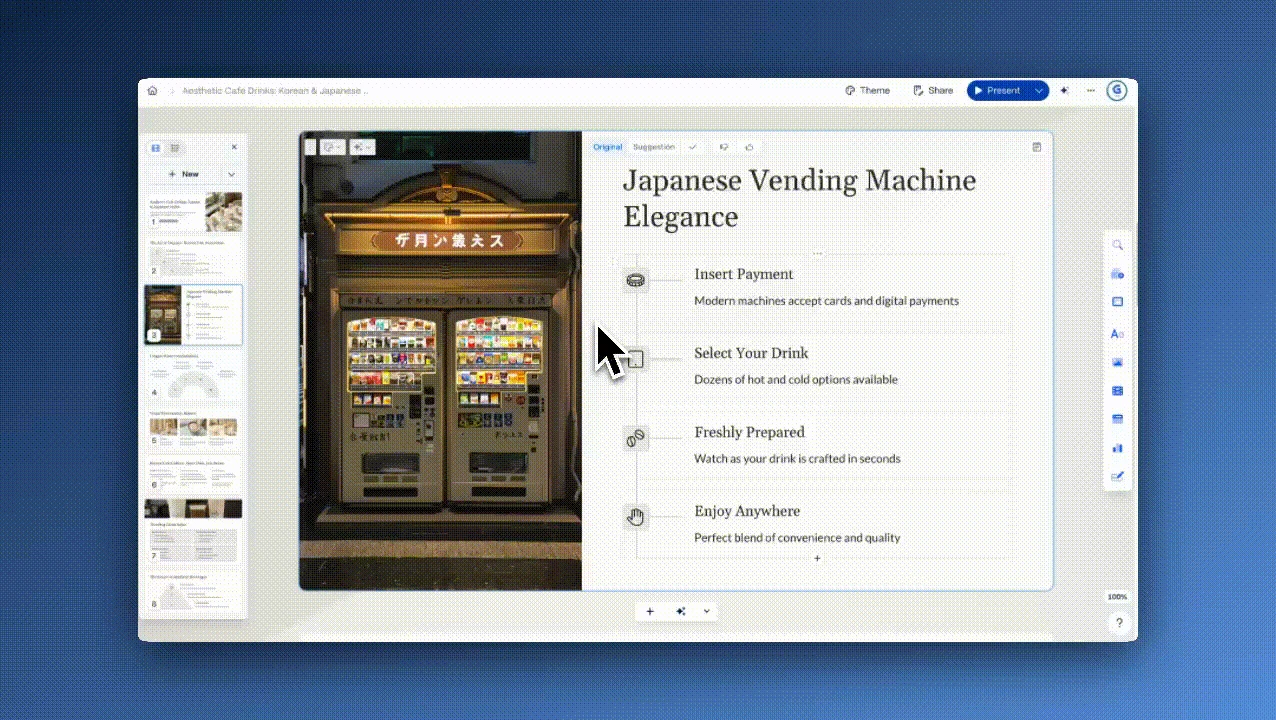
 Explore Gamma
Gamma is an AI presentation maker for turning prompts, outlines and existing files into editable decks, documents and web pages. Compare its creation workflow, exports, free-plan limits and paid options.
AI / Designfreemium
Browse our curated AI tools directory. Compare features, pricing, and alternatives.
Explore GammaGamma is an AI presentation maker for turning prompts, outlines and existing files into editable decks, documents and web pages. Compare its creation workflow, exports, free-plan limits and paid options.
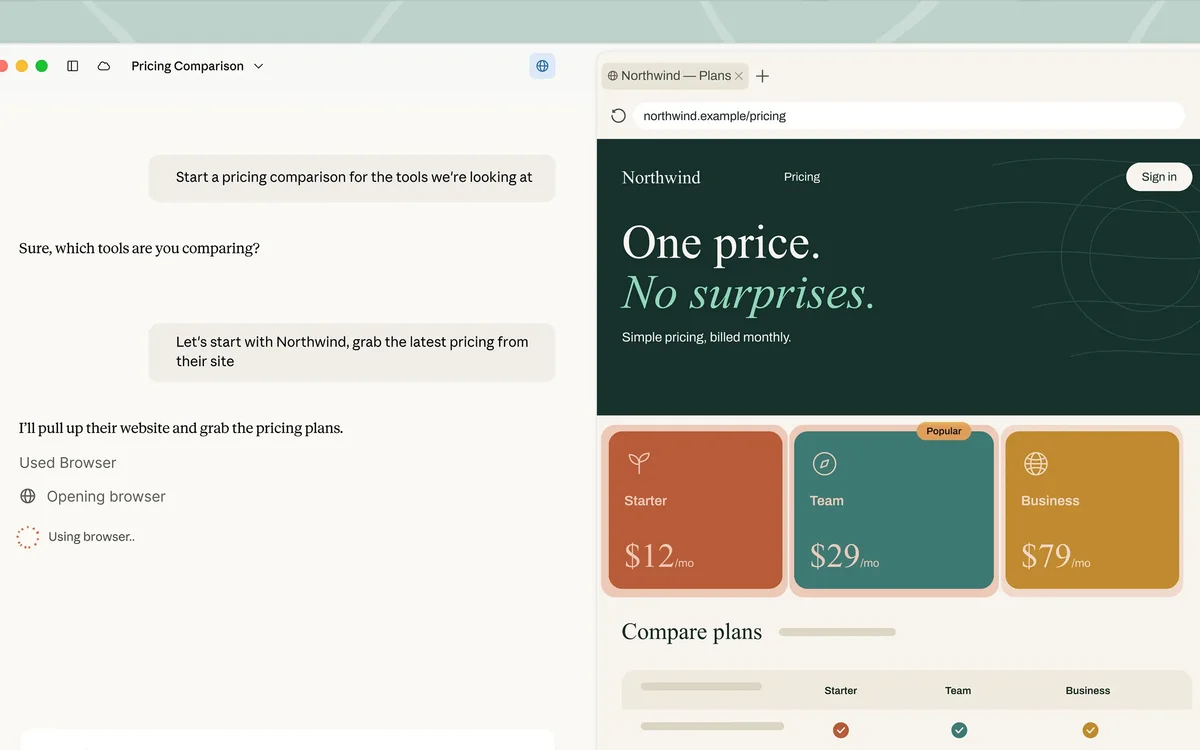 Explore Claude
Claude is an assistant for a written task, a page you have open, or a codebase. Chat, the side-by-side workspace, and Claude Code are different ways to do that work.
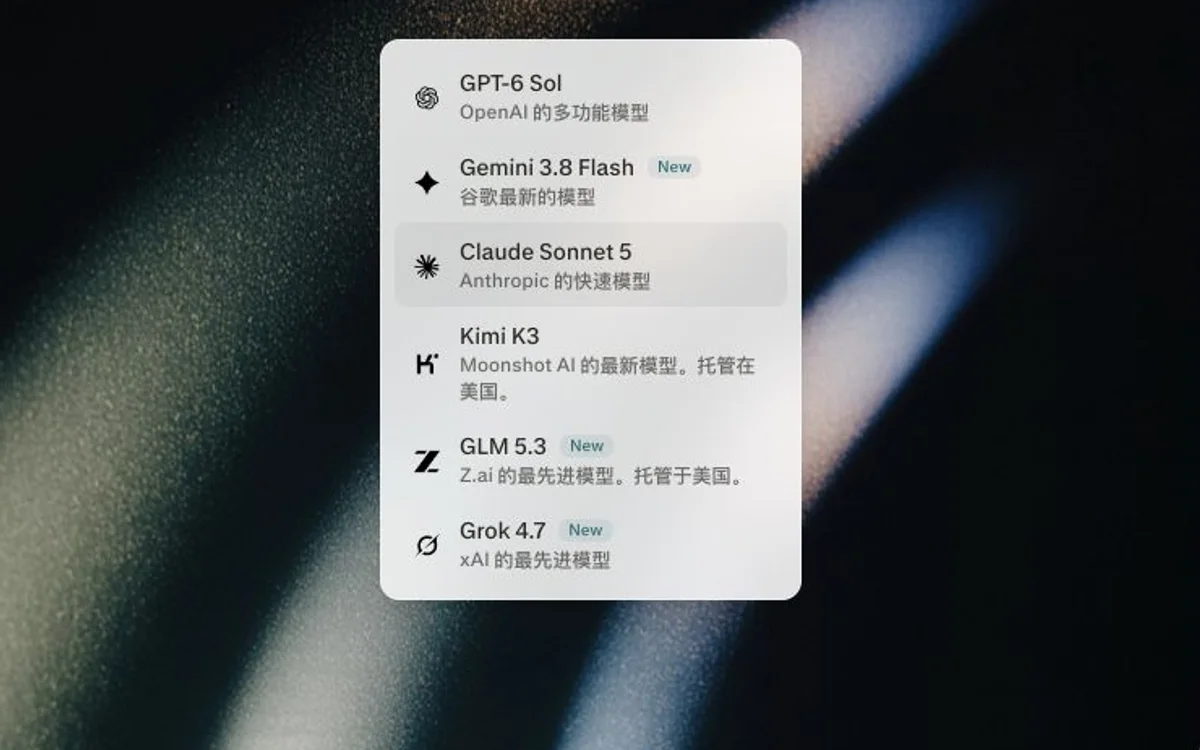 Explore Perplexity
Perplexity publishes a developer platform with Router, Agent, Search, Embeddings, and Decisions APIs. Teams call these endpoints with an API key for real-time web research, ranked search results, embeddings for RAG, and decision scores—billed pay-as-you-go rather than as a consumer chat membership in these docs.
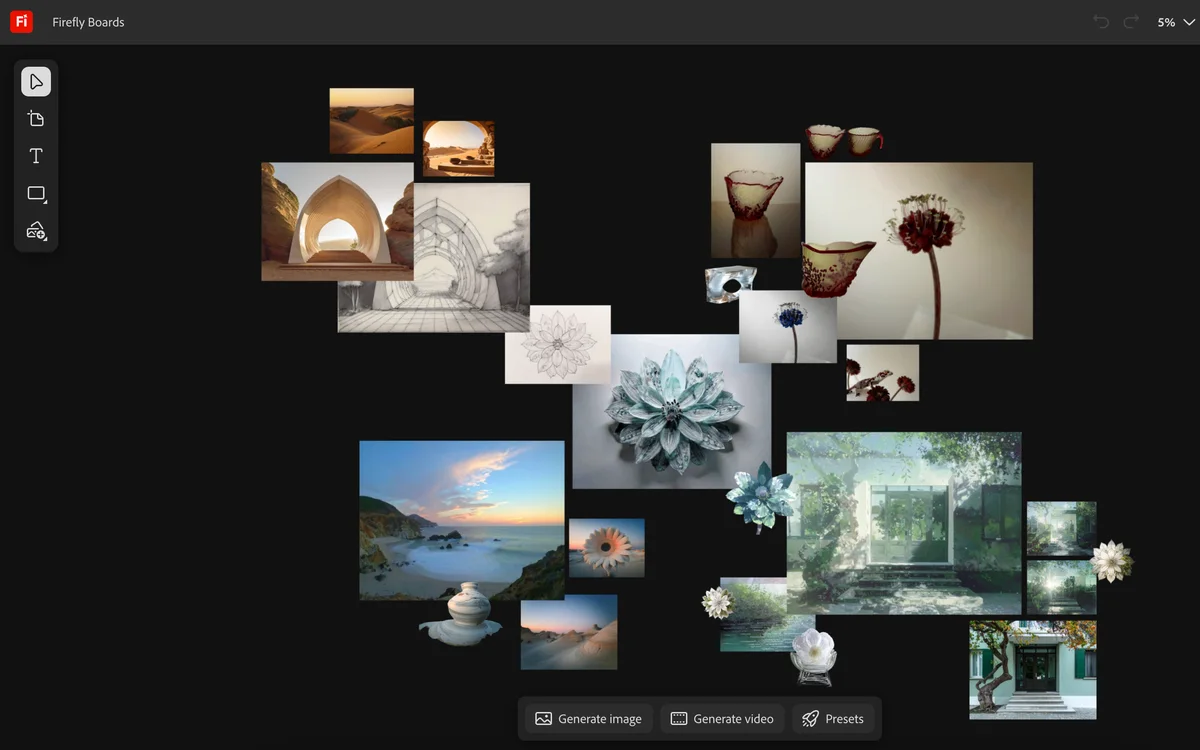 Explore Adobe Firefly
Adobe Firefly is Adobe's generative image product. It creates images from text and applies generative fills and effects, and it is sold as trained for commercial use within Adobe's own terms.
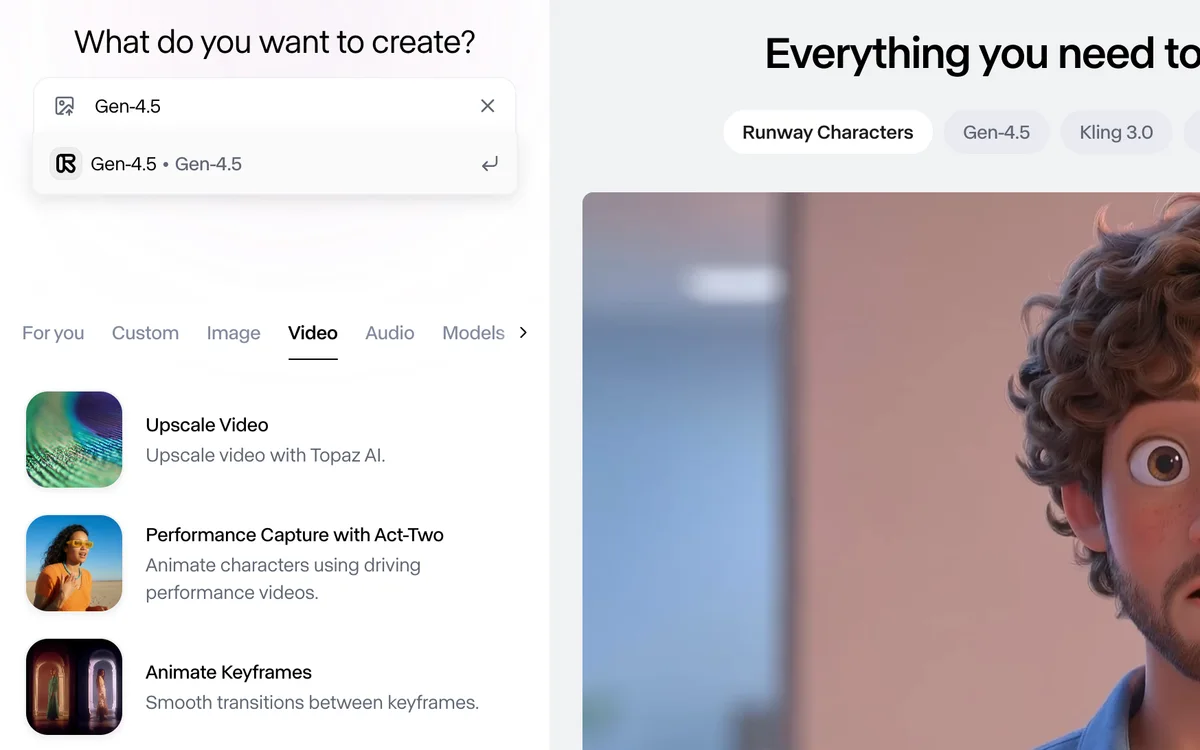 Explore Runway
Runway is a creative suite for video and images. You describe a shot, remove something from a clip, or carry one frame's edit through the rest of the video.
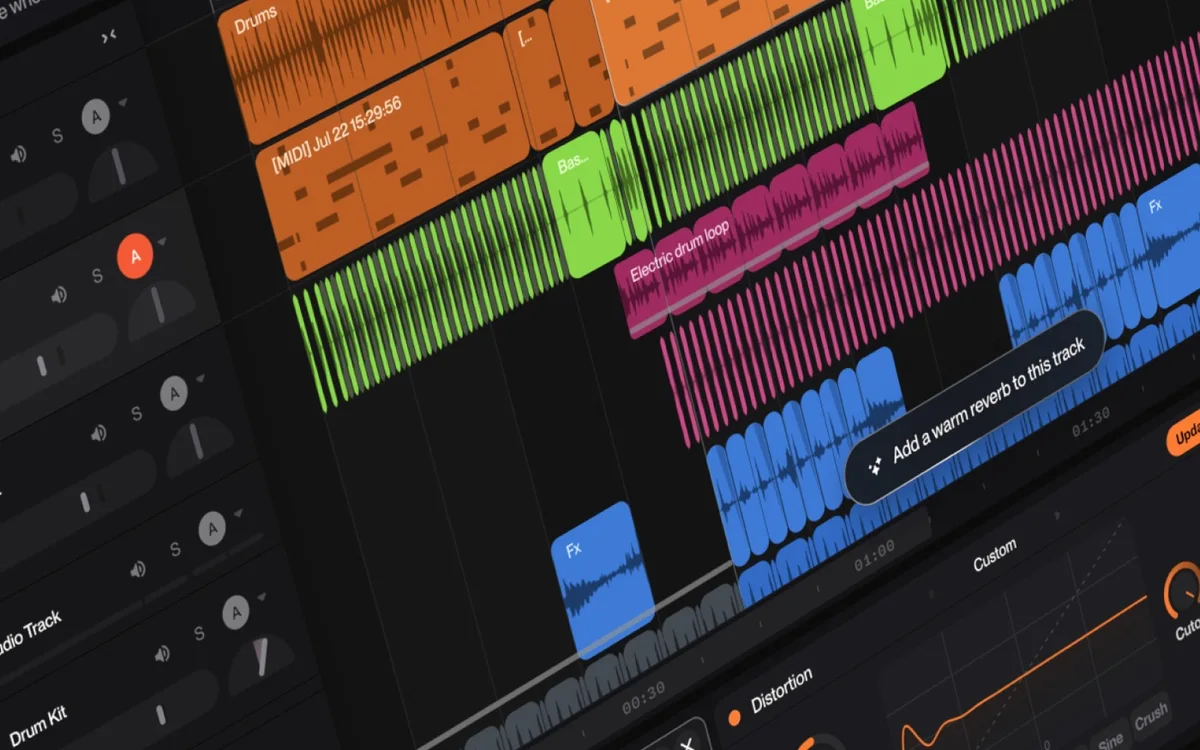 Explore Suno
Suno writes a song from a genre, a mood, or lyrics you supply. Studio is the browser workspace for arranging the parts, on the plan that includes it.
Paid placements are labeled Sponsored; other spots are complimentary.
Questions, drafts, files, and research in one chat.
An editor where you write code, ask an agent to change it, and review the diff.
Turn a script into speech, a video into a dub, or a brief into a voice agent.
Ask the workspace you already keep, and edit the page where the answer belongs.


Open-source skills and a CLI that help a coding agent mod a PC game you own.

A self-hosted template for specialist coworkers, with the conversation backend licensed separately.

Cloudflare's open-weight decision models: typed questions in, probabilities out.
Browse community image models, generate on the site, and compare Green Buzz memberships.
A multi-tool studio for cutouts, product scenes, posters, and short video.
Clear a background from a still or a short clip, then spend a credit to take the file.
 Amazon Q DeveloperIDE and console assistant with a Free Tier and a $19 Pro plan.
A useful AI tools directory should help you form a shortlist, understand the tradeoffs, and know what to verify next. NavHunt organizes approved listings around practical use cases while keeping editorial picks and paid visibility clearly identified.
Read our curation approachSearch by a product name or practical use case, then use category pages to narrow the field. This keeps discovery tied to the job you need to finish.
Review positioning, pricing labels, core use cases, and available alternatives before visiting a provider. Selected editorial pages add sourced detail for a deeper evaluation.
Featured tools and recent additions appear in separate sections. Paid placements carry a Sponsored label; Tool Spotlight also includes complimentary placements.
NavHunt is a curated AI tools directory for people choosing software for a specific job. It brings together product summaries, categories, pricing labels, and direct links so you can build a focused shortlist.
New listings and edits are reviewed for clear positioning, category fit, accurate links, and useful catalog information before approval. Product features and prices can change, so confirm current terms on the provider’s website.
The directory includes free, freemium, and paid products when that pricing information is available. Use each listing’s pricing label as a starting point, then verify current limits with the provider.
Paid placements are labeled Sponsored. The Tool Spotlight section also includes complimentary placements, as noted in its introduction.
Self-service submissions are not open yet. You can browse the directory without an account.
Explore AI game mashups with Melty, compare playable examples such as Mari0 and NucleDoom, and learn what you need before playing or building one.
Read articleFind out what GTok TikTok does, where its IPA releases are discussed, and how to check the app and tweak versions before choosing a download.
Read articleExplore Gemini 3.1 Flash TTS, Google's expressive text-to-speech model: what it can do, how audio tags work, and a reproducible Gemini API starter.
Read article