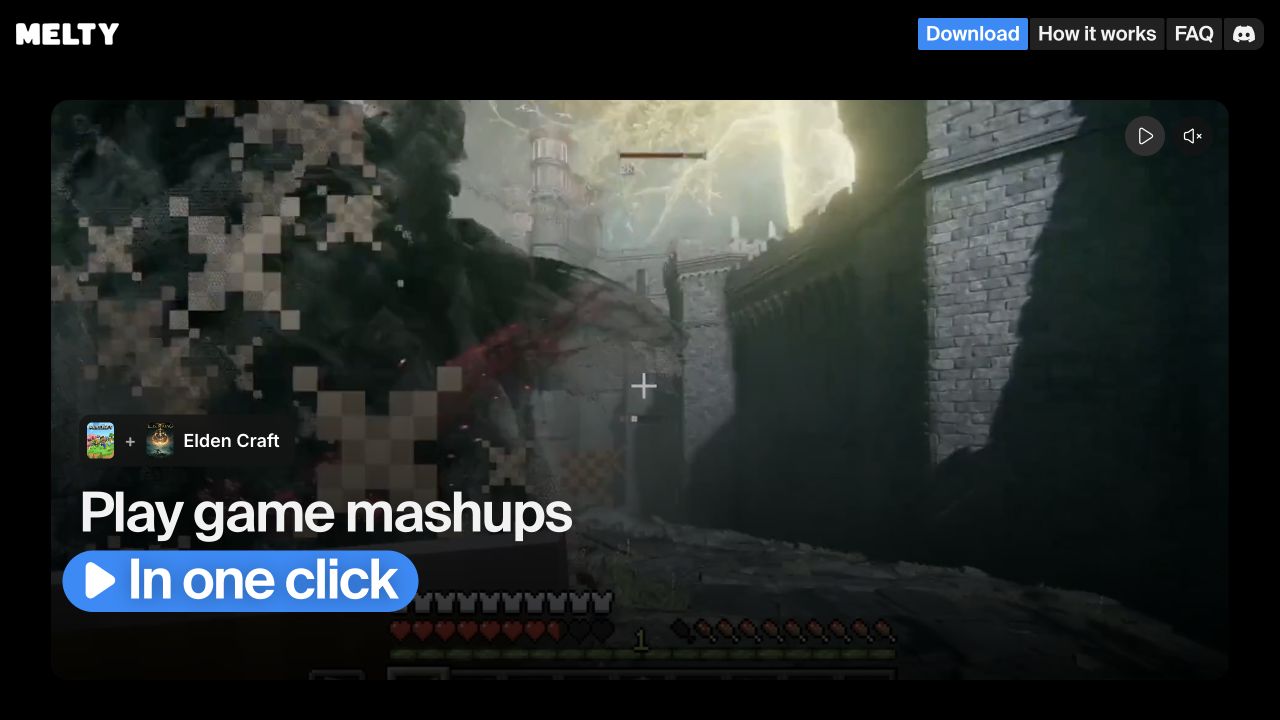
AI game mashups bring one game's characters, tools or mechanics into another using AI-assisted development. Want to play one? Melty offers a Windows launcher. Want to create one? Its workflow uses Claude Code or Codex.
Cover: gameplay shown on Melty's official homepage, captured October 7, 2026. Publisher demo; we have not played this build.
What are AI game mashups?
A mashup can be a mod, a standalone game or a prototype. AI describes how it was made; it does not tell you whether there is a downloadable build.
Melty's clearest example is SkyCraft: Skyrim played as a Minecraft player. The site says you must own the games a mashup uses. An AI-generated gameplay clip, by itself, gives you nothing to install.
Game mashups also predate coding agents. Mari0 combines Mario-style platforming with Portal mechanics; NucleDoom runs Doom inside Minecraft. Their author pages do not claim AI involvement.
Three ways to play
| Project | What you get | What you need | Where to start |
|---|---|---|---|
| Melty | A launcher that installs a selected mashup | Windows and the games named by that project | Melty setup and pricing |
| Mari0 | A standalone platformer with a portal gun and local co-op | The author's package for your operating system | Author's downloads |
| NucleDoom | Doom running inside a Minecraft server | A compatible server to join, or a Fabric server to host | Author's instructions |
Choose by installation type. Mari0 has its own downloads. NucleDoom is a server mod. Neither requires Melty or a coding-agent subscription.
How to start with Melty
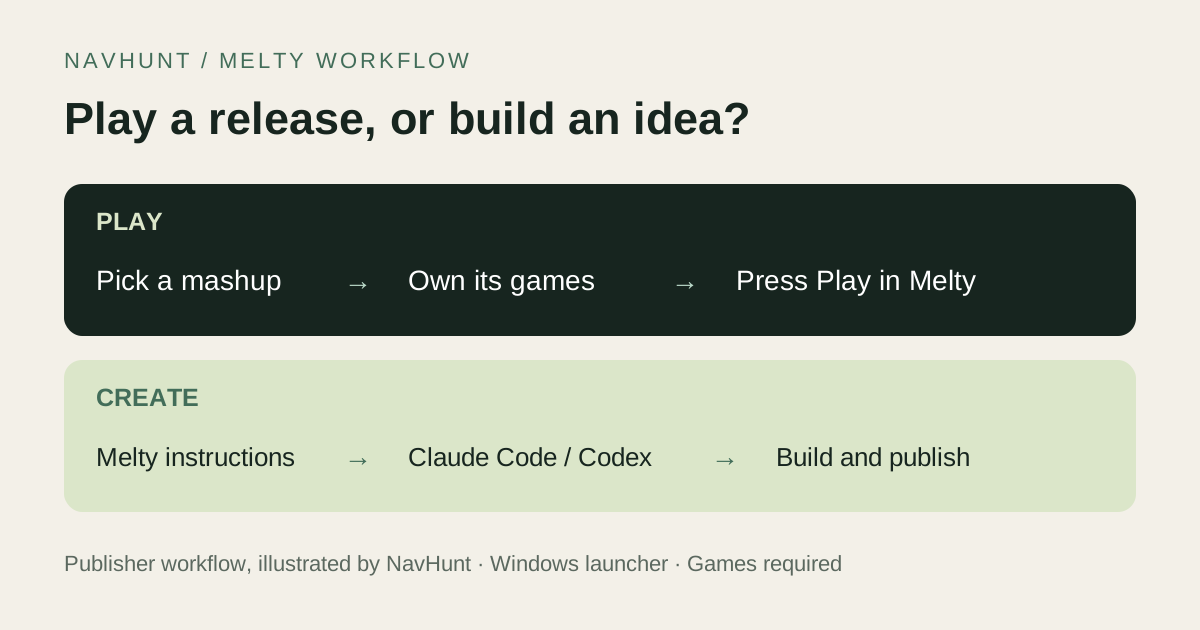
- Open melty.gg/download on Windows and run Melty Setup.
- Choose a mashup and check which games it requires. Melty sends you to the store if one is missing.
- Press Play. According to Melty, it downloads the mashup, installs its dependencies and starts the game.
- For a multiplayer project, use its invite link to bring friends into the session.
The launcher and its mashups are advertised as free. Required games keep their own prices. Creating with Claude Code or Codex also uses the agent's own account and pricing.
Want to build your own?
Copy the instructions supplied inside Melty into Claude Code or Codex. Then describe one mechanic, rather than asking the agent to merge two entire games.
A useful starting brief:
Host game: [game and version]. Add [one mechanic]. Use the supported modding tools. Explain how to launch, test and remove the mod, and list the files you will change.
This is a planning prompt, not a tested recipe. Melty's public homepage does not publish the full agent instructions. Use the current in-app text alongside your brief. Our Claude overview explains the assistant behind Claude Code.
Which download should you choose?
Check the release file, game version and dependencies together. The two established projects show why:
- Mari0: the author's page labels its packaged downloads 1.6, while the source README specifies LÖVE 11.4. One number is the game release; the other is the runtime used for the source. Choose the platform package if you simply want to play.
- NucleDoom: the Modrinth release checked is 1.1.0 for Minecraft 1.21.4, with Plasmid, Polymer and Fabric API required. It is server-side; dropping it into a client-only mods folder will not set it up. The development branch can target a different Minecraft version.
- Melty: read the selected mashup's own requirements. A homepage title does not establish compatibility with every installation of the named games.
For the shortest route, pick an existing release that matches your setup. For a new idea, use Melty's creation flow and keep the first build small.
Checked October 7, 2026 from the linked publisher pages. No installer, archive or server session was run for this guide.