Recraft is AI for designers, creatives, sellers, and teams: Studio image and vector generation plus an API. Images generated on the Free plan are owned by Recraft, stay public in the community gallery, and are not licensed for commercial use. Paid plans grant full ownership and commercial rights for images made while subscribed. Credits, top-ups, and API units bill separately.
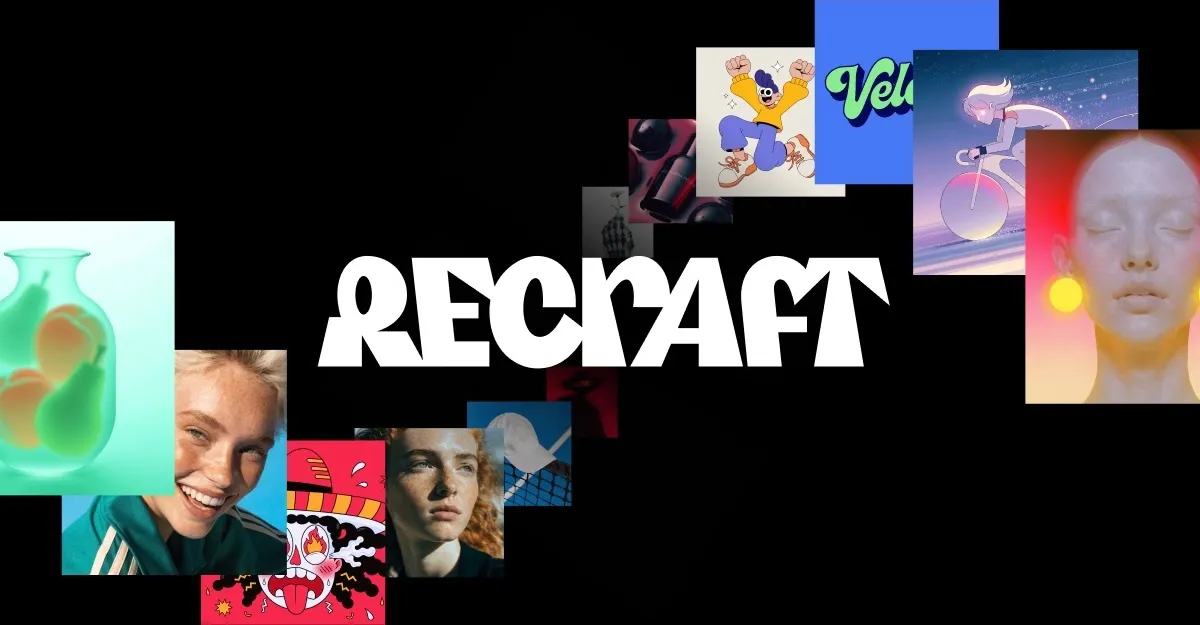
Recraft logo beside official artwork examples: still lifes, portraits, and character illustrations. These samples show output, not the editor. Official examples only support output, not an interface screenshot. Source: https://www.recraft.ai/. Source ↗
Pricing model
Freemium
Main input
Text prompts, style references, and image edits
Output
Raster images, editable vectors, icons, and illustrations
Access
Recraft Studio on the web plus Recraft API
Is Recraft right for you?
Choose Recraft when you need design-ready raster and vector output together, including editable vectors, consistent styles without training, and Studio mockups. Treat Free as a sandbox only: Images generated on the Free plan are owned by Recraft and are not licensed for commercial use. Move to Basic, Pro, or Teams for private assets with full ownership and commercial rights while subscribed, and keep API spend on prepaid API Units. For single-purpose cleanup, a narrow remover may be simpler; Adobe-centric teams may prefer Firefly.
A good fit for
Designers who need photoreal images and editable vectors from one AI studio
Teams that want private commercial assets under a paid Recraft subscription
Developers wiring generation and edit jobs through the Recraft API
Know the trade-offs
Free-plan outputs are owned by Recraft, public in the community gallery, and not licensed for commercial use
Subscription credits reset each billing cycle and unused subscription credits do not roll over
API Units are prepaid separately from subscription credits
Refunds are discretionary within a 30-day window and credit-usage limits
What Recraft can produce
Recraft logo beside official artwork examples: still lifes, portraits, and character illustrations. These samples show output, not the editor. Official examples only support output, not an interface screenshot. Source: https://www.recraft.ai/. Source
Art-directed images and editable vectors in one studio
Recraft Studio pairs tastefully crafted AI image models with unmatched vector generation for design assets. Outputs are framed as art-directed and atmospheric, covering photographs, expressive illustrations, complex editable vector graphics, consistent styles without training, and design-ready typography for websites, print, and marketing.
That mix helps when a brief needs both raster hero art and SVG-friendly marks without switching tools. The hard limit is rights: Free generations remain Recraft-owned and community-visible, so wait for a paid plan before commercial shipping.
On the pricing FAQ, Images generated on the Free plan are owned by Recraft. They are publicly visible in the community gallery and are not licensed for commercial use. Paid plans grant you full ownership and commercial rights for all images generated while subscribed, keep images private, and state that images created during a paid subscription remain under your ownership even after cancellation.
Subscription credits are included in your plan and reset each billing cycle; unused credits do not roll over. Top-up credits are purchased separately, never expire, and spend after monthly credits run out. Top-ups are available on Basic, Pro, and Teams.
The Recraft API provides programmatic access to image and vector generation, editing, background removal, inpainting, outpainting, batch jobs, and asynchronous processing. Docs cover tokens, a first generations request, and paths for fast models, vectors, styles, and edits across V2 through V4.1.
API usage burns prepaid API Units bought separately from Studio subscription credits. Per-image default and flash amounts sit only in the pricing section. Tokens need a positive balance, and result URLs are temporary, so production jobs should download promptly.
Brand and marketing visuals with commercial rights
Use Recraft for photoreal product scenes, illustrations, or mockups that need to look art-directed. Paid seats fit marketing and packaging that must stay private and commercially usable.
Keep Free off final brand masters because of gallery visibility and Recraft ownership. Compare Firefly if Adobe libraries dominate, and suggest Recraft when vector plus raster in one studio matters more.
Icon sets and editable vector systems
UI kits and seller marks can use complex editable vector graphics and design-ready typography instead of tracing raster exports. Consistent styles without training help a set stay coherent.
When volume spikes, Top-ups are available on Basic, Pro, and Teams. If you only remove objects from photos, suggest Cleanup.pictures instead of a full generation studio.
Automated image pipelines over the API
Sites and tools can call the Recraft API for generations, edits, background removal, and batch jobs without opening Studio each time. Pick models when latency or unit cost matters and store temporary result URLs yourself.
Budget API Units apart from subscription credits; per-image API prices stay under pricing. For casual non-commercial doodles, suggest Craiyon or Recraft Free with clear expectations.
How to get started with Recraft
1
Open Recraft Studio and sign in
Go to recraft.ai, sign in, and open Recraft Studio. Use Free only for non-commercial trials you accept as Recraft-owned and community-visible.
2
Pick a model, style, or edit tool
Describe the scene, add style references for consistency, or choose vector output. For integrations, buy API Units, create a token, then call generations.
3
Generate, refine, then check rights
Iterate with inpainting, outpainting, background removal, or upscaling. Before shipping, confirm whether the file was made on Free or during a paid subscription.
4
Manage credits, top-ups, or API Units
Watch subscription credits that reset each cycle, buy top-ups on Basic, Pro, or Teams when monthly credits run out, and keep API Units separate.
Studio plans include Free plus paid Basic, Pro, and Teams (monthly or annual; annual save 20%). Subscription credits reset each cycle and do not roll over; top-up credits are purchased separately, never expire, and are used after monthly credits run out. Top-ups are available on Basic, Pro, and Teams. API usage uses prepaid API Units separate from subscription credits. Without a named model, API requests use Recraft V4.1 at $0.035 per image; fast generation is about 1.3 seconds and $0.007 per image with V4.1 Flash. Confirm the Basic, Pro, and Teams dollar amounts on recraft.ai. They are not in the pricing FAQ text used for this page.
Free
Non-commercial exploration and community sharing
Free
No paid subscription
Images generated on the Free plan are owned by Recraft
Publicly visible in the community gallery
Not licensed for commercial use
Basic
Individuals who need paid ownership and optional top-ups
Not published
Monthly or annually (save 20%)
Full ownership and commercial rights while subscribed
Private images outside the community gallery
Top-ups available
Pro
Heavier individual or small-team commercial production
Not published
Monthly or annually (save 20%)
Full ownership and commercial rights while subscribed
Top-ups available
Subscription credits included and reset each cycle
Teams
Shared workspaces that need seats and shared top-ups
Not published
Monthly or annually (save 20%)
Full ownership and commercial rights while subscribed
Top-ups available and shared across seats on Teams workspaces
Subscription credits reset each billing cycle
Recraft V4.1
Default API generations when no model is named
$0.035 per image
Prepaid API Units (separate from subscription credits)
Recraft V4.1 at $0.035 per image when the request omits a model
V4.1 Flash
Faster API generations when latency matters
$0.007 per image
Prepaid API Units (separate from subscription credits)
About 1.3 seconds and $0.007 per image with V4.1 Flash
Subscription refunds are discretionary within the past 30 days of the most recent payment when either no credits were used since that payment or the account has used fewer than 30 credits total since creation. That is not an unconditional refund. API Unit packages are prepaid, non-cancellable, and non-refundable except as required by law, and purchased API Units do not expire. Cancel anytime; the plan stays active until the billing period ends.
Your team already works inside Adobe Creative Cloud
Firefly sits inside Adobe’s ecosystem, while Recraft offers a designer-first Studio with vector generation and a standalone API. Prefer Firefly for Photoshop handoff; prefer Recraft when editable vectors and paid rights rules drive the choice.
You want quick casual images without a design studio
Craiyon is lightweight text-to-image play; Recraft emphasizes art-directed models, vectors, styles without training, and paid commercial ownership. Use Craiyon for low-stakes drafts; use Recraft when Free gallery limits must be explicit.
Cleanup.pictures is a narrow remove-and-reconstruct editor, not a full text-to-image and vector studio. Choose Cleanup.pictures for cleanup alone; choose Recraft to create new raster and vector design assets end to end.
Recraft: common questions
Who owns images made on the Free plan?
Images generated on the Free plan are owned by Recraft. They are publicly visible in the community gallery and are not licensed for commercial use.
Paid plans grant you full ownership and commercial rights for all images generated while subscribed. Images stay private, and FAQ text states they remain under your ownership even after the subscription ends.
How do subscription credits differ from top-up credits?
Subscription credits are included in your plan and reset at the start of each billing cycle; unused credits do not roll over. Top-up credits are purchased separately, never expire, and are used automatically once monthly credits run out. Top-ups are available on Basic, Pro, and Teams.
Yes. The Recraft API provides programmatic access to image and vector generation, editing, background removal, inpainting, outpainting, batch jobs, and asynchronous processing. API Units are prepaid separately from subscription credits; Recraft V4.1 and V4.1 Flash per-image amounts appear only in the pricing section.
Recraft may offer a refund at our discretion within the past 30 days of the most recent payment when either no credits were used since that payment or the account has used fewer than 30 credits in total since it was created. Contact help@recraft.ai before deleting an account.
NavHunt did not run Recraft. Ownership rules, credit behavior, and listed API per-image amounts come from the public homepage, pricing FAQ, and API quickstart reviewed on 6 October 2026. Confirm live prices and terms on recraft.ai before buying.